¶ Access Management
The purpose of this screen is to list the different users (create, modify and assign roles).
¶ 3.1.Users
¶ Administration/ Users

This screen is the first screen when going to this carrier module.
¶ Administration/ Users/ The username
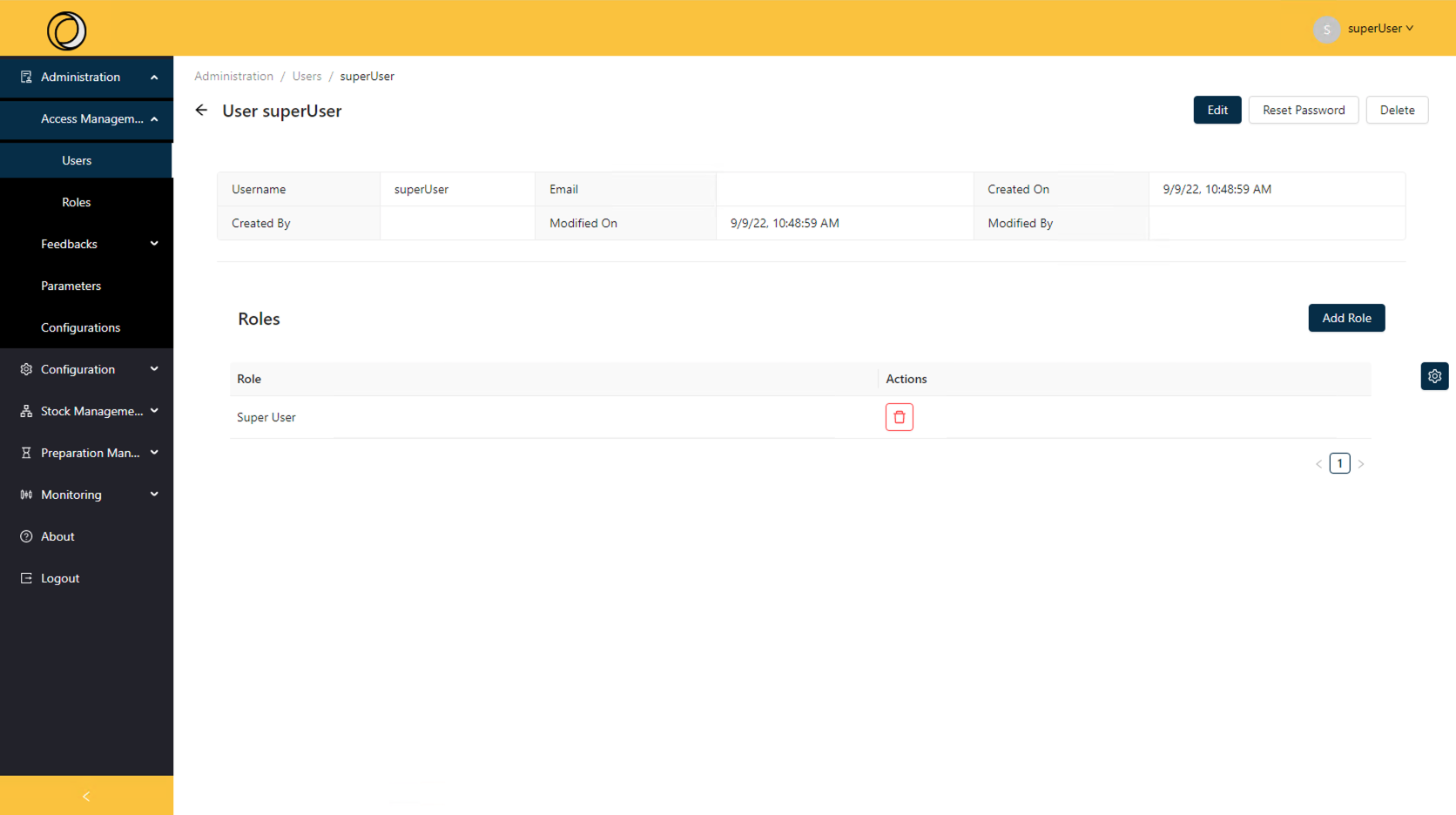
This screen allows you to view the details of a user.
It also allows you to modify, delete or reset password it using the button at the top right.
It also allows you to add a role at this time
¶ Administration/ Users/ The username
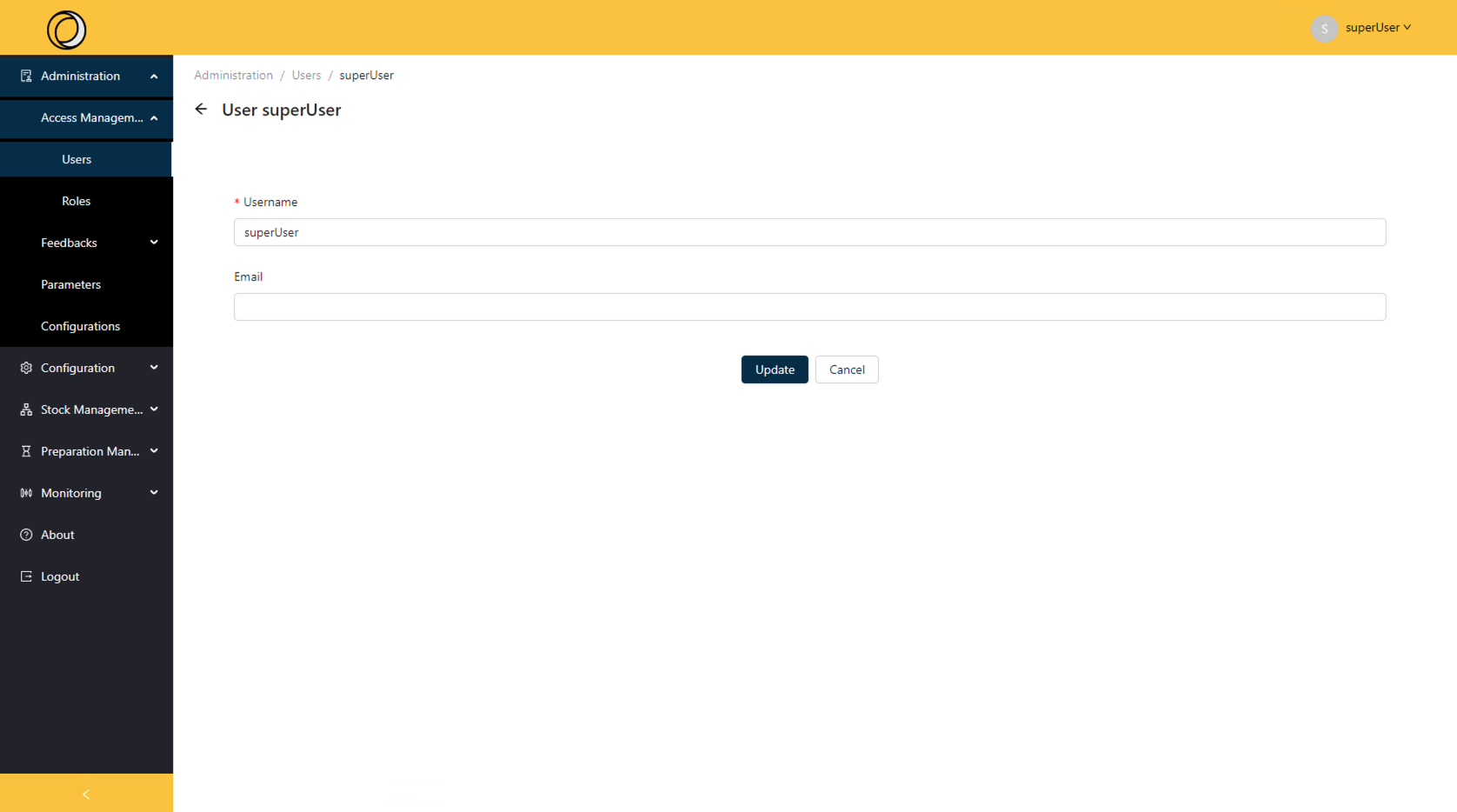
The Edit functionality allows you to modify an existing user.
All fields are editable.
¶ Administration/ Users/ Add User
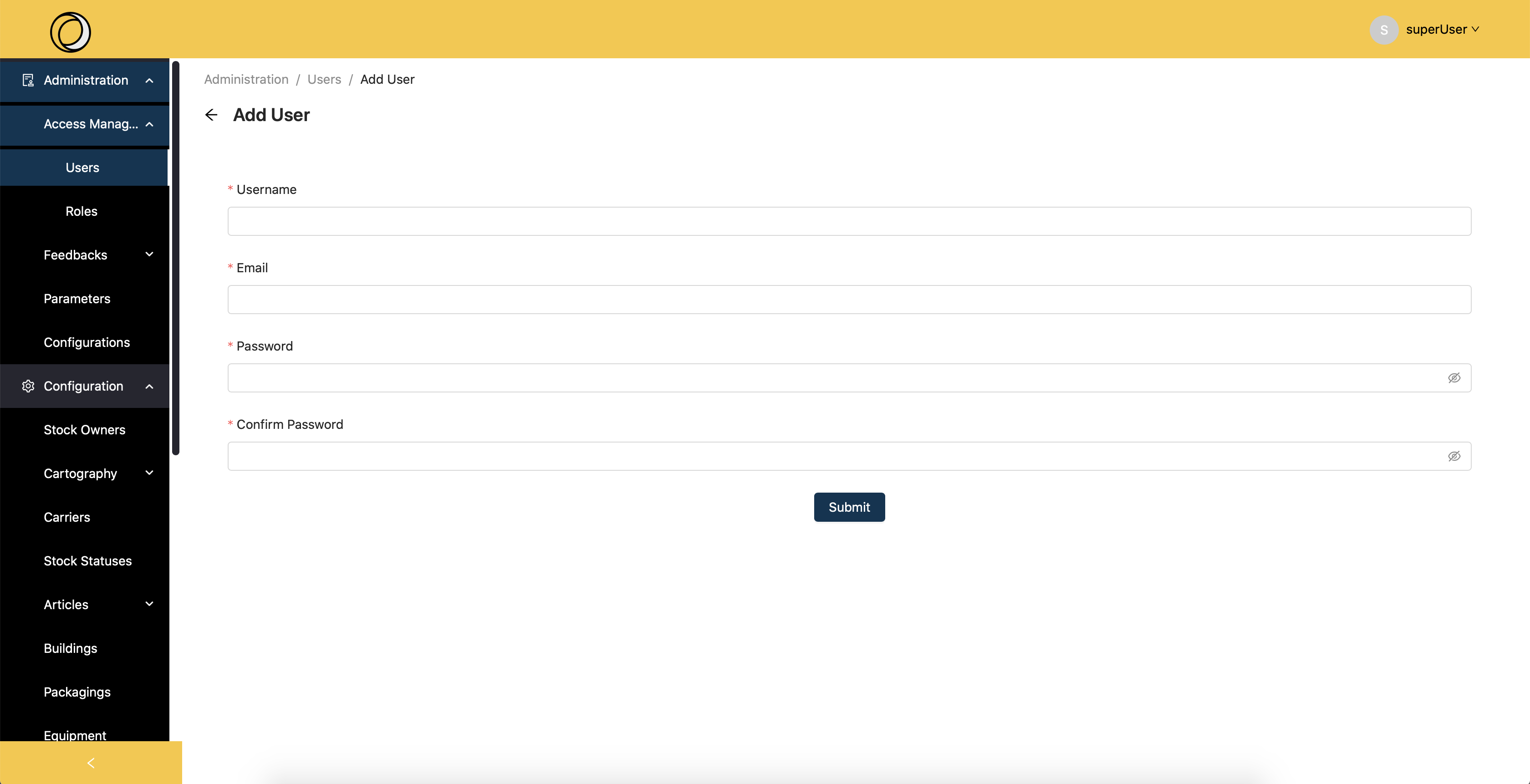
This screen allows you to add a user.
All fields are required here to add a user.
¶ 3.2.Roles
¶ Administration/ Roles
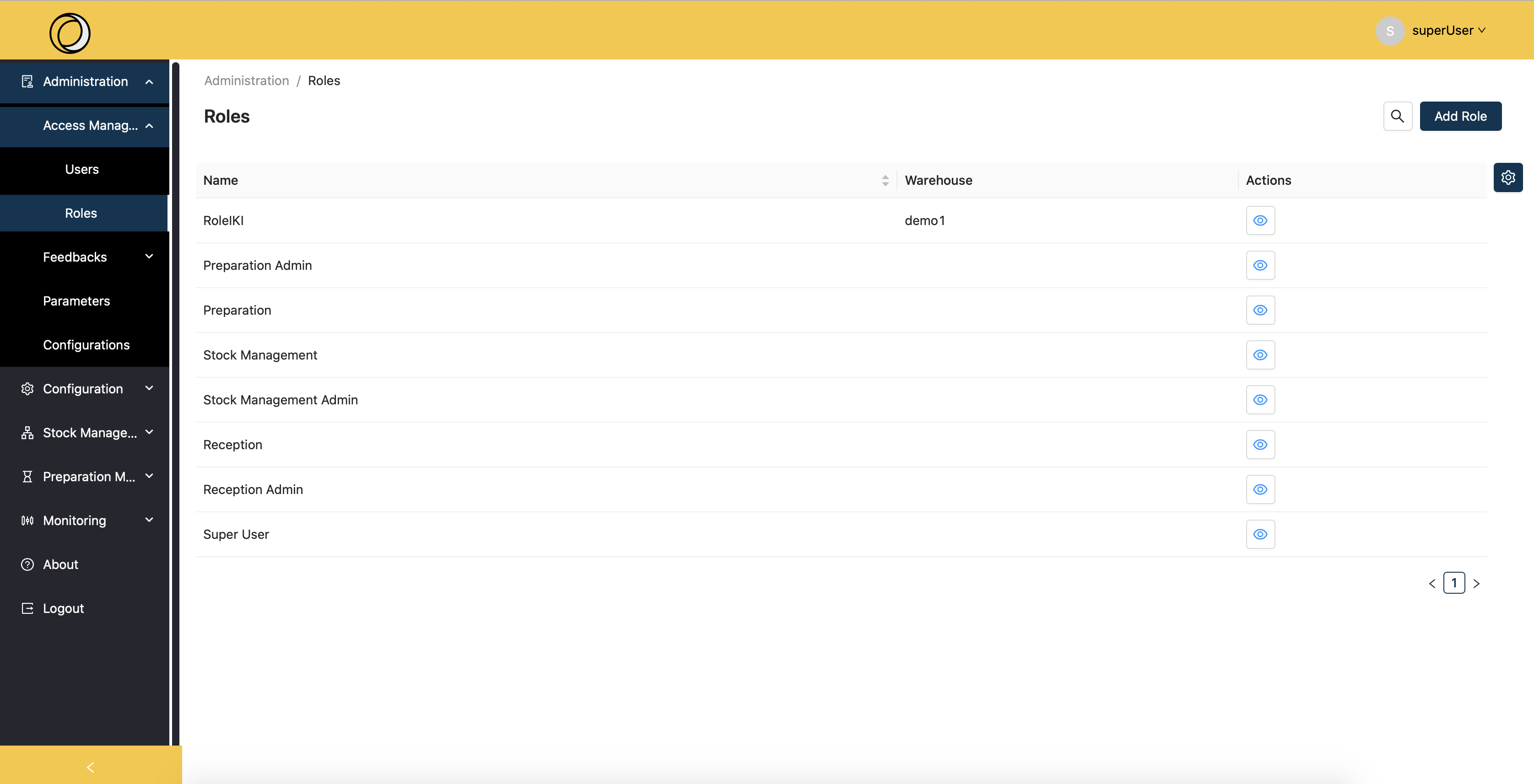 Each user is assigned to a role.
This role allows you to authorize or deny access to certain features.
The features here will be:
- Creation
- Suppression
- Reading
- The update
In this screen the roles will be defined beforehand.
This screen allows us to view all roles.
¶ Administration/ Roles/ Role name
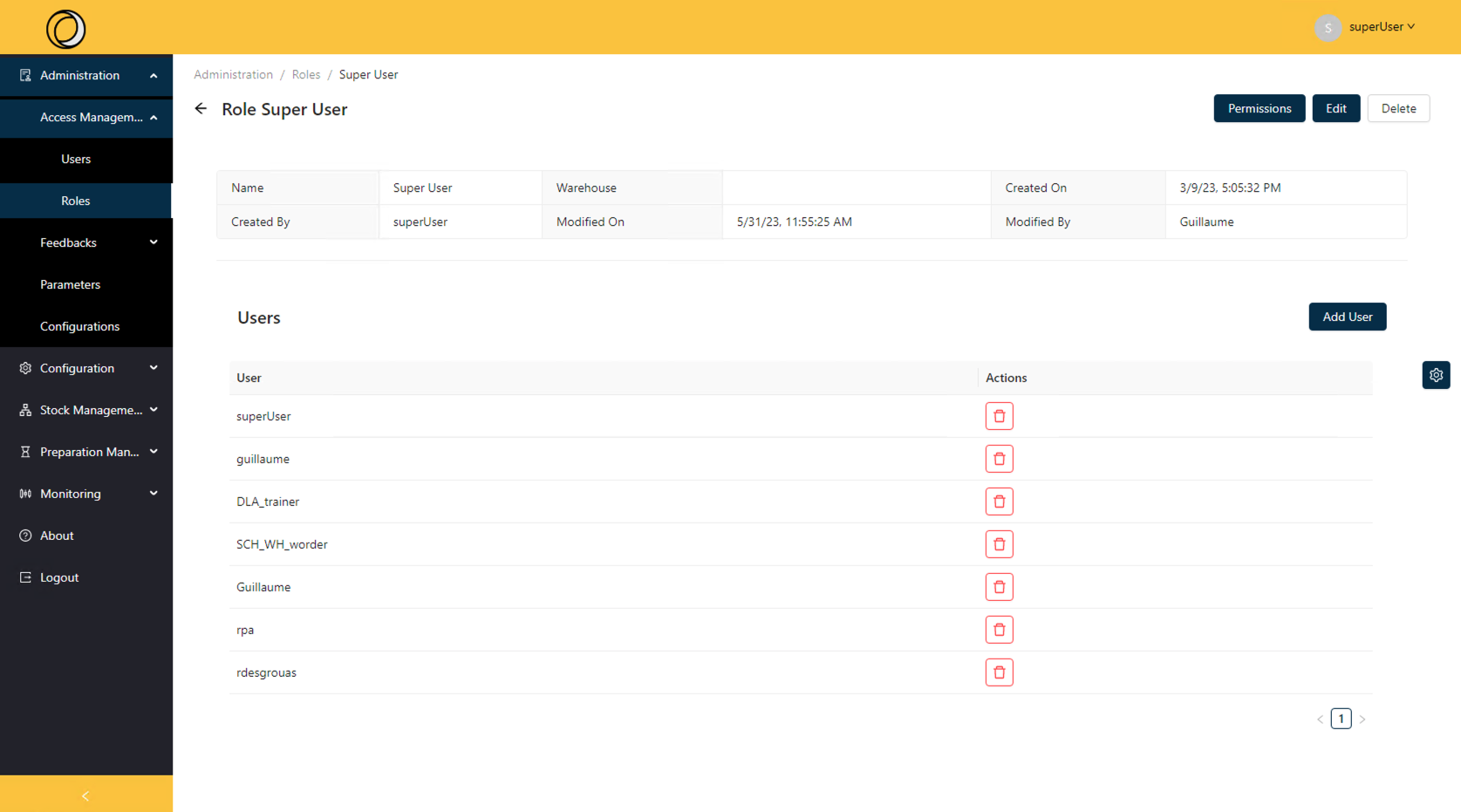
This screen allows you to view a specific role.
¶ Administration/ Roles/Chosen role name/ Permissions
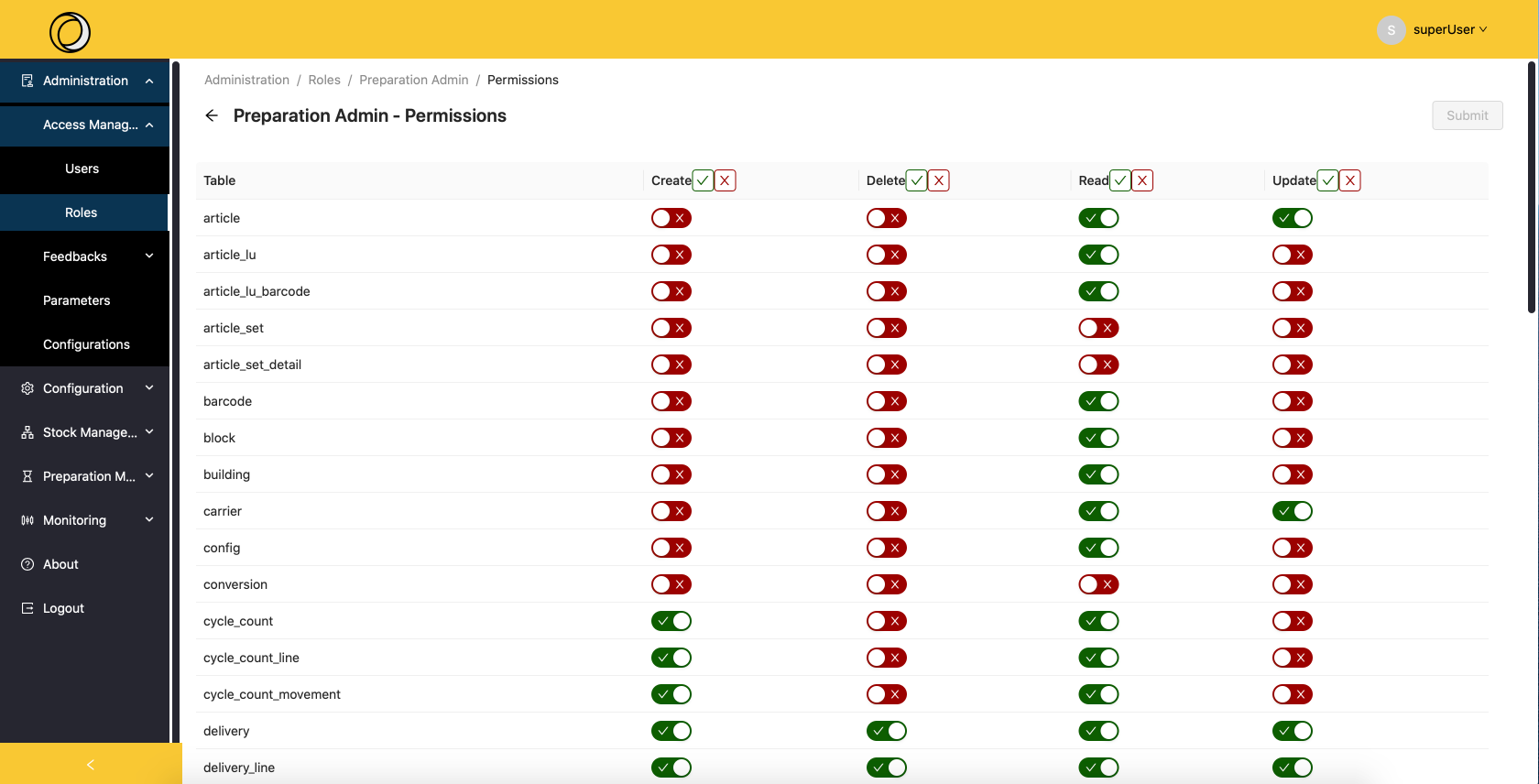
This screen allows you to make all changes to the roles.
This allows you to manage the accesses of everyone in this group: reading, deleting, reading and updating data.
 : This button means that the right is activated.
 : This button means that the right is disabled.
 : This button is used to authorize access to the entire column directly.
 : This button allows you to disable access to the whole column directly
¶ Administration/ Roles/ Add Role
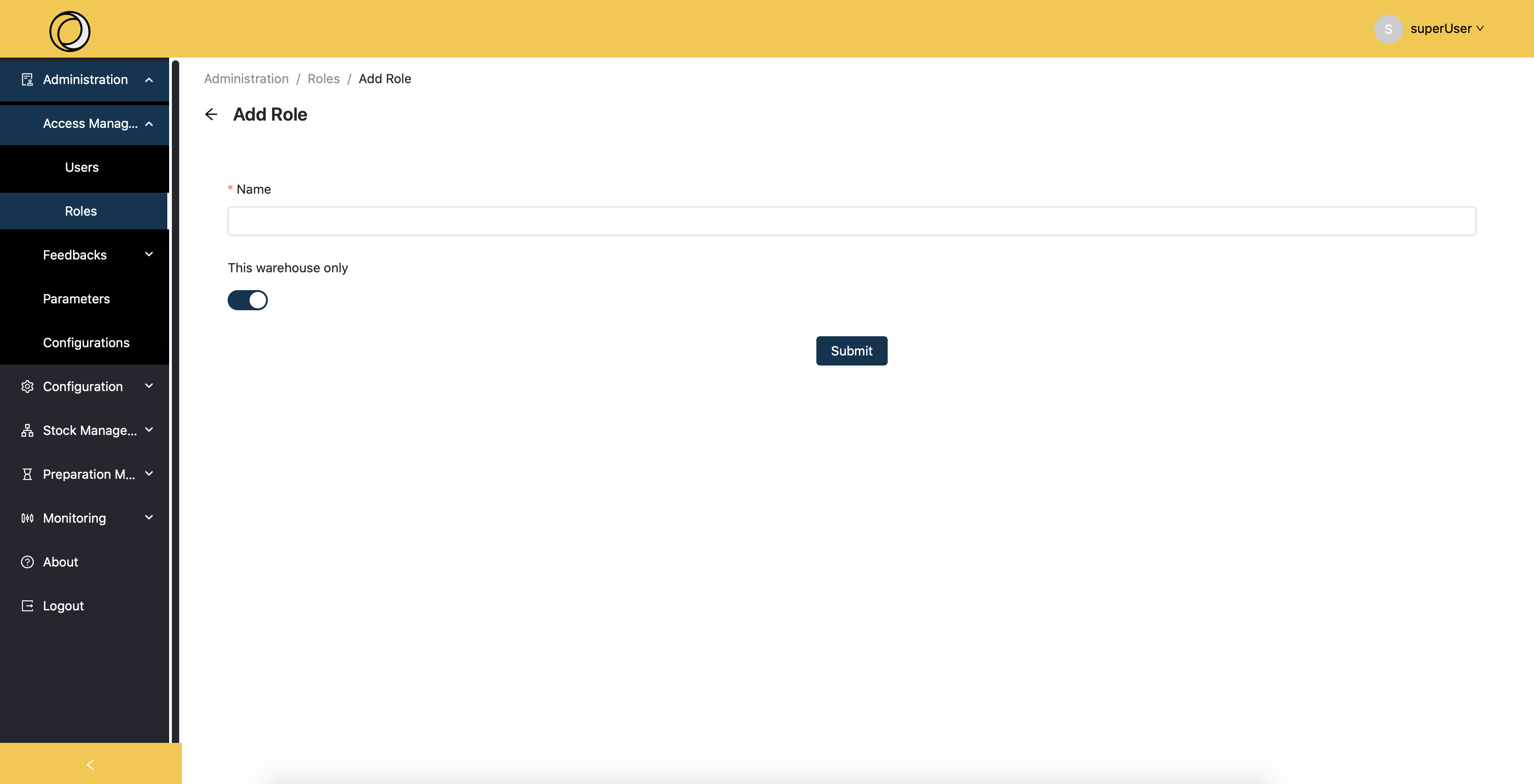
Only the name field is mandatory here.
The Edit function is possible here but returns to the same previous screen with the same functionality.
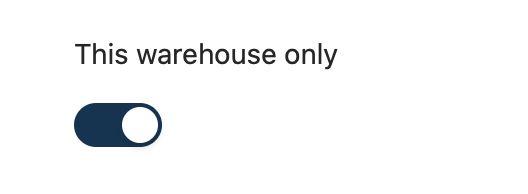 : This feature allows you to choose when adding a role if you want to select a warehouse only or not.